Before giving an agent another worktree
- List the worktrees and confirm the exact folder the agent will use.
- Inspect tracked edits, untracked notes and ignored local configuration in that folder.
- Verify an earlier snapshot contains the files you care about.
- Keep useful work before removing a checkout; review each root separately.
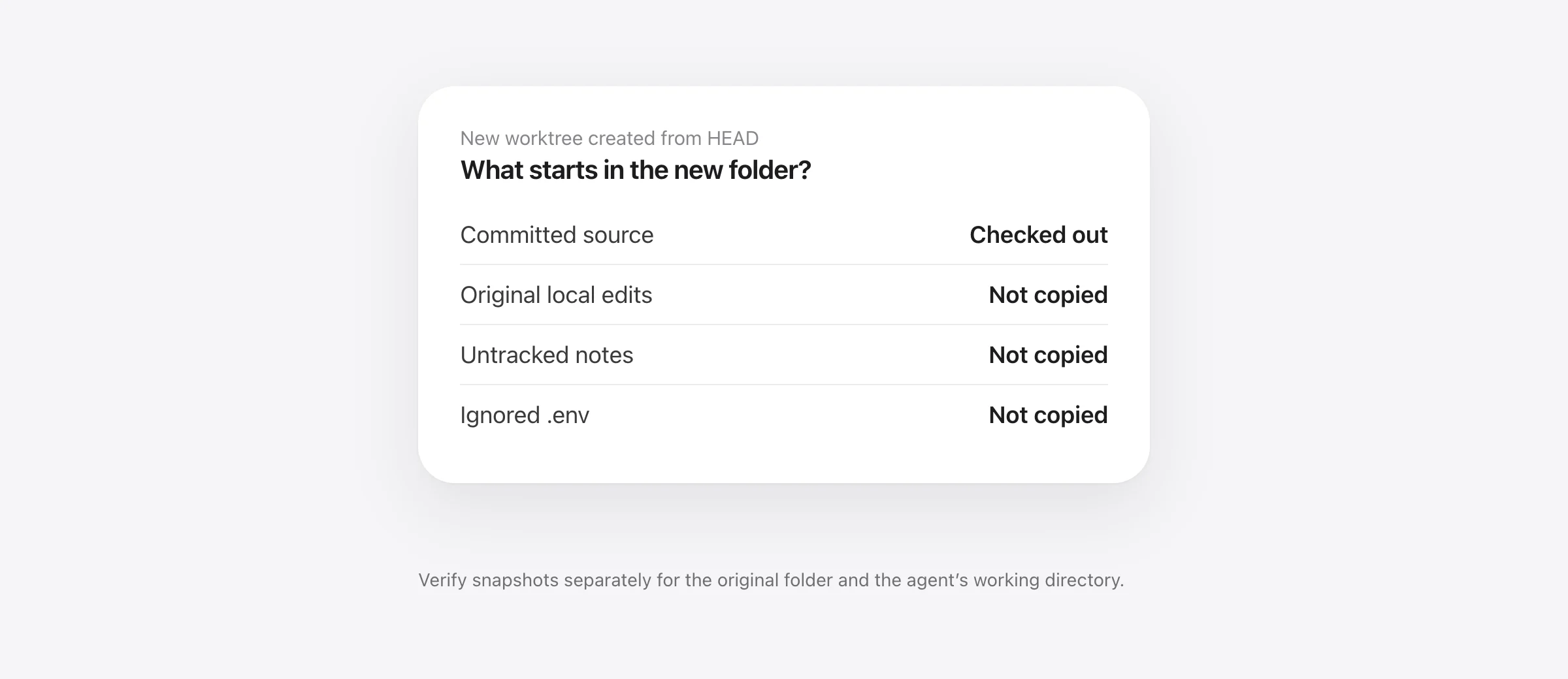
Git worktree uncommitted changes belong to the working directory where you made them. Creating a second checkout from HEAD does not move those edits into the new folder. It also does not copy untracked notes or ignored configuration merely because they sit beside tracked source files.
This matters when an AI agent gets a fresh worktree. Your main folder might contain a half-finished fix while the agent's folder starts from the last commit. Both can have a file named src/billing.ts, but they can contain different text. Before asking whether a change is backed up, identify which absolute path contains it.
What we reproduced in two disposable folders
We created a small repository named app, committed a baseline and then added three local states: an edit to tracked app.txt, an untracked notes.md and an ignored .env containing a harmless demo value. We created a linked worktree, app-review, from HEAD.
| Item | Original app folder | New app-review folder |
|---|---|---|
| Tracked app.txt | Uncommitted main draft | Committed baseline |
| Untracked notes.md | Present | Absent |
| Ignored .env | Present | Absent |
| Later agent edit | Main draft unchanged | Separate agent draft |
The new folder contained a .git file rather than a standalone .git directory. Git's worktree documentation explains that linked checkouts share repository data while maintaining per-worktree state. A tool that assumes every project has a Git directory needs to handle that distinction.
The important result is visible at the file level: the agent could not see the original draft just because the worktrees were related. Before a review or test task, decide whether the committed baseline is the intended starting point. If not, prepare the required changes deliberately instead of assuming the second checkout inherited them.
Identify the worktree before inspecting changes
From a repository folder, start with read-only inspection:
git worktree list --porcelain
git rev-parse --show-toplevel
git status --short
git diff --stat
git diff --cached --stat
The worktree list helps map paths to branches. The root check identifies the current checkout. Status and the two diffs distinguish local changes and staging. These commands do not establish that the content is safely stored elsewhere; they tell you what to investigate.
Check ignored files separately. For example:
git status --short --ignored -- .env
git ls-files --error-unmatch .env
The second command asks whether that exact path is tracked and can return an error for an untracked file. A clean ordinary status does not prove there are no important ignored files. Check the source of local configuration without printing secrets into shared logs.
Create a second checkout deliberately
For a new task based on the current commit, this example creates a new branch and sibling worktree:
git worktree add -b review-example ../app-review HEADRun it only when the branch and destination names are available, substituting your intended names. It creates a working directory; it is not a backup operation. Keep the original checkout with its unfinished work. Review the new folder's dependencies and local settings before an agent starts commands there.
If the task needs existing uncommitted changes, first decide how to preserve and transfer them. A reviewed commit can provide an explicit starting point for selected source changes. A stash has different coverage for tracked, untracked and ignored files; our stash coverage guide explains those choices. Do not treat either route as a reason to commit secrets.
Track each root and inspect captured content
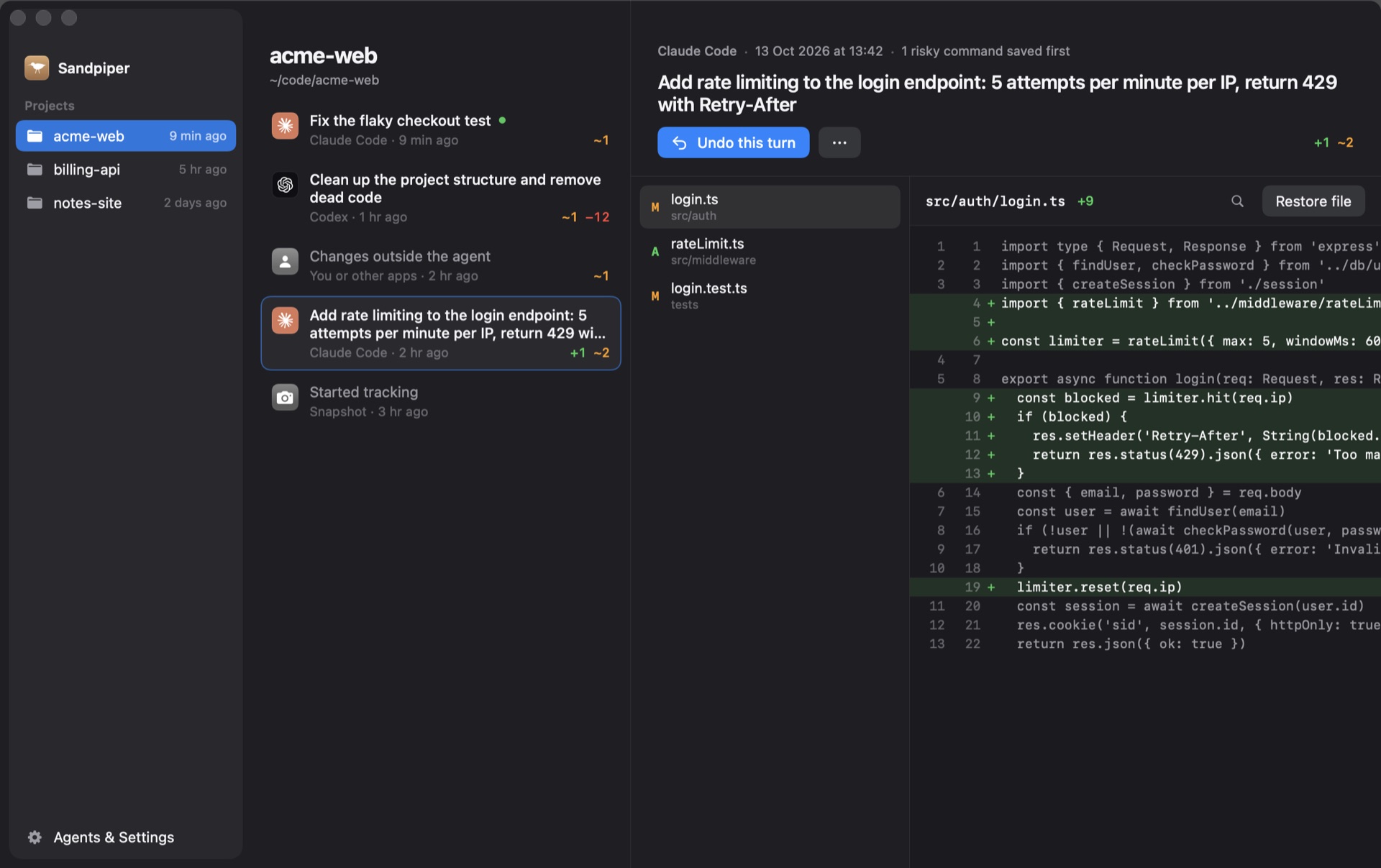
Sandpiper can keep local file snapshots between commits. It is currently free on Apple silicon with macOS 26 or later. For a worktree, verify the actual folder instead of relying on the project name alone.
In our test, we explicitly tracked both roots with Sandpiper's installed helper, using an isolated history store. We saved different demo content in each folder and captured both. Reading the earlier files returned each root's own tracked draft, untracked notes and ignored demo configuration. We did not enable agent hooks or test every agent's temporary-worktree lifecycle in this exercise.
With the command-line helper installed, an explicit check can look like this:
sandpiper track /path/to/app-review
sandpiper snap --project /path/to/app-review --label "Before review task"
sandpiper log --project /path/to/app-review --json
Read the actual snapshot number from that project's log. To inspect a file, use its absolute path so the shell's current directory cannot redirect a relative path elsewhere:
sandpiper cat 12 /path/to/app-review/notes.md --project /path/to/app-reviewHere 12 is an example, not a required number. Confirm recognizable earlier content rather than checking only that the command succeeds. For automatic prompt capture, run the harmless live-session drill in our backup-hook verification guide from the exact worktree the agent will use.
Keep the recovery scope inside the intended folder
Suppose the agent damages app-review/notes.md while app/notes.md contains your separate planning notes. Restoring the wrong root can replace useful work that was never part of the agent's task. Check the project, snapshot time and path together.
Inspect the earlier content and current differences, preserve later edits you want, and restore only the required file. File-level restoration does not automatically merge every later line. When several agents are active, avoid broad rollback while another process is still writing the same files.
Coverage also has limits. Sandpiper skips Git internals and common generated directories; files above its default 256 MB limit are listed without stored content. Symlink targets are not followed by its file walker. If you share configuration through links outside the worktree, verify the real target's separate backup rather than assuming the checkout snapshot contains it.
Review local work before removing a worktree
Before cleanup, inspect the target folder's tracked changes, untracked files and ignored configuration. Commit or preserve useful work, and verify a capture if that is your recovery source. Avoid force-removal shortcuts while deciding whether the folder contains the only copy of something important.
A worktree separates task files, Git preserves recorded repository history, and a prior snapshot preserves included local bytes. None replaces a separate machine backup. If work is already missing, begin with the recovery source checklist before making further changes.
Frequently asked questions
Does git worktree add copy uncommitted changes?
No. A new worktree checked out from HEAD starts from that commit. Edits in the original working directory, its untracked notes and its ignored files are not automatically copied. Preserve the original folder and deliberately choose what the new task needs.
Do Git worktrees share working files?
They have separate working directories while sharing repository history and objects. The same relative filename can contain different uncommitted text in each folder. Check the absolute root before reading, snapshotting or restoring a path.
Are .env files copied into a new worktree?
An ignored, untracked .env file is not supplied by checking out a commit. Set up each worktree's local configuration deliberately. Avoid copying production credentials into an agent task when a scoped test configuration is sufficient.
Can Sandpiper snapshot a linked worktree on Mac?
In our disposable test, explicitly tracking each worktree root allowed Sandpiper to capture and read its included tracked, untracked and ignored sample files separately. Verify the exact agent worktree in your setup. Sandpiper requires Apple silicon and macOS 26 or later, and capture exclusions still apply.
Is a worktree a backup?
A second worktree is another working directory, not a preserved history of every local edit. It does not by itself capture the original folder's unfinished files or protect against disk loss. Use commits, verified project snapshots and a separate machine backup for their respective roles.
Sources

Telman Gadimov builds Sandpiper, a free local undo app for AI coding agents, and Murmur. We make Sandpiper. Examples were reproduced in disposable Git repositories with an isolated Sandpiper history store on October 18, 2026. Both project roots were explicitly tracked and their earlier file contents inspected. This was a manual capture test, not an end-to-end test of every agent's automatic worktree integration.


