If this just happened
- Stop the agent or script that ran the command.
- Write down the exact
git cleanflags and directory. - Preserve the current project before searching for copies.
- Check editor history, Time Machine and snapshots made before the command.
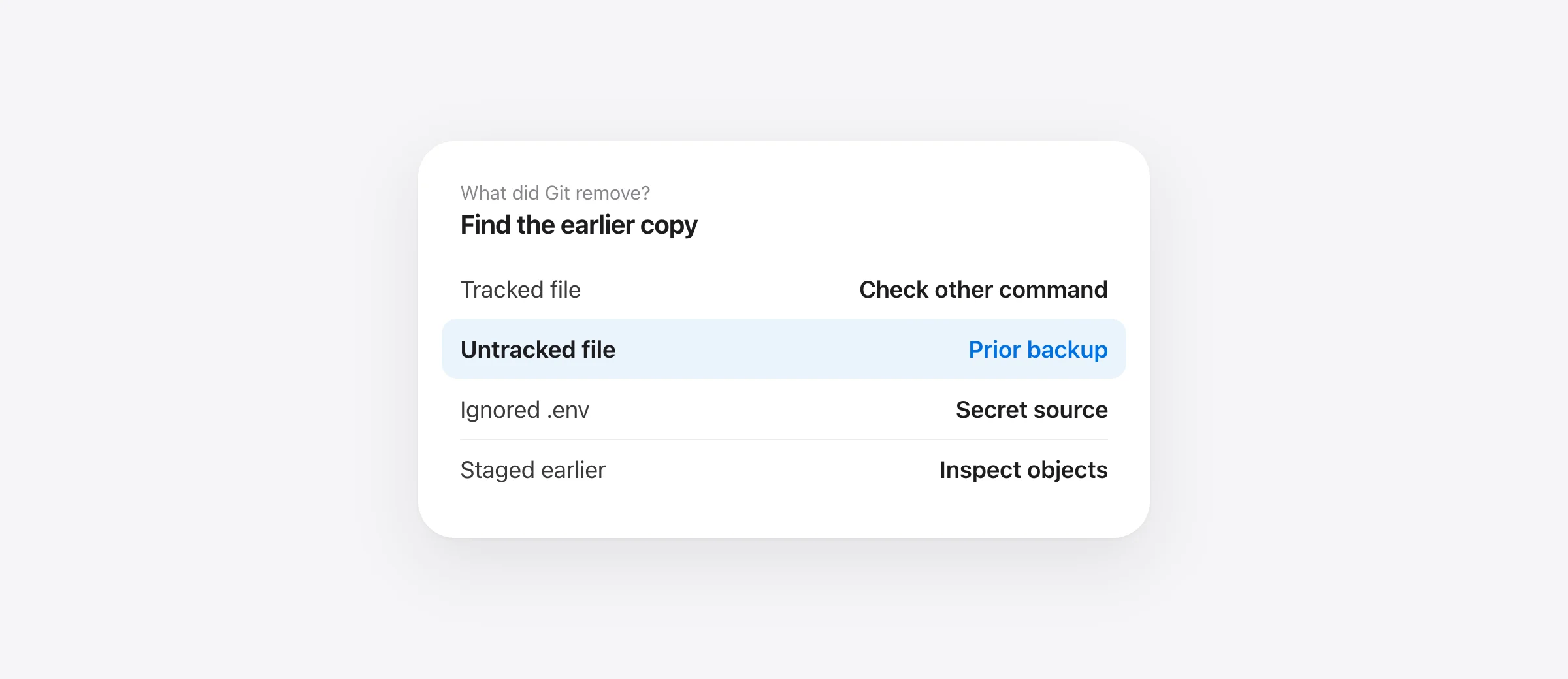
Can you recover files after git clean -fdx? Sometimes, but Git itself is often the wrong place to look. The command removes files that are not tracked by Git; -x also includes ignored files. A new source file, a local design draft and a project's .env can all be in its path. If none was committed, staged or copied elsewhere, Git may have no version to restore.
This guide is for a cleanup that already ran, whether you typed it or a coding agent did. It first separates what the command could have removed from what it could not. Then it gives a recovery order that does not overwrite the remaining project.
Read the exact command before choosing a recovery tool
The Git clean manual defines git clean as removing untracked files from the working tree. The flags in a command change the scope:
| Part | Effect | Why it matters |
|---|---|---|
-f | Force removal when required by Git configuration | Without it, Git commonly refuses the clean |
-d | Include untracked directories | An entire new folder may disappear |
-x | Ignore standard ignore rules | Ignored files such as .env may be removed |
-X | Remove only ignored files | Different from lowercase -x |
-e pattern | Add an exclusion | A matching path may have survived |
| Path argument | Restrict cleaning to that path | A command aimed at build/ may spare neighboring files |
Check the terminal transcript for the current working directory. git clean -fdx from a project root has a different effect from the same command restricted to build/. Also check whether the agent combined it with git reset --hard; reset affects tracked work too. Our hard-reset recovery guide covers that separate half of the incident.
Find which missing files Git ever stored
For each important missing path, ask two questions: was it tracked, and was its needed version ever saved? Start with read-only checks:
git status --short
git ls-files -- path/to/missing-file
git log --oneline -- path/to/missing-file
If git ls-files returns the path, it is tracked in the current index and normally outside git clean's target set. A different command may have removed or replaced it. If a commit contains the needed version, preview that version before restoring it. If the path was new and never added, git restore has no ordinary source for it.
If you staged a new file with git add before the clean, Git may have written its content into an object. The current index may still point to it. If not, Git fsck can list dangling objects on a preserved repository copy. This is an uncertain, advanced search: a blob may have no filename, may have been pruned, or may represent a different version. Do not run garbage collection while investigating.
git reflog is useful for finding a lost commit after a branch moves. It records reference updates, not a backup of untracked files. Running it is harmless, but treating an unrelated reflog entry as proof your deleted file exists wastes time and can lead to another destructive reset.
Search the places that could contain the actual bytes
Check editor local history for files you opened or saved there. Check Time Machine at a point before the clean; Apple's restore instructions let you recover a file or folder to its original location. Check a teammate's checkout or a shared artifact if the file was copied there. For an ignored configuration file, check your password manager or secret manager for the original values rather than copying credentials from an untrusted log.
If Sandpiper was installed and captured the project before the command, locate the turn in its timeline and inspect the missing paths. It snapshots supported local project files before risky shell commands. Sandpiper must have kept the file: excluded rebuildable folders, .git internals and files above its size limit are different cases. Restore the specific file or folder if it is present, then verify the contents. A post-incident installation cannot reconstruct an earlier file.
Do not confuse a clean working tree with full recovery
After git clean, git status may say the working tree is clean precisely because the missing files were untracked. That message only describes Git's view. Check the paths that matter: the local settings file, the new component, the note you had not committed, and any test fixture the app expects.
When you recover a version, compare it with the surrounding project. A copy from yesterday may need later edits reapplied. Run the relevant test or start the app. If the missing item was a secret, do not paste its value into a ticket or commit it while rebuilding. The deleted .env guide covers that case.
Prevent the next accidental clean
For human-run cleanups, use a matching dry run first: git clean -ndx previews the scope of git clean -fdx. Read every listed path; a shorter preview without -x will omit ignored files that the real command would remove. Prefer a path-restricted cleanup and an explicit exclusion when the job allows it. Keep ignored local files in a separate backup because Git will not automatically commit them.
For agent-run commands, protect the interval between commits with a pre-command snapshot and review destructive commands before execution. Git commits remain the durable project history; an independent Mac backup covers disk loss. Our agent backup setup explains how to test each layer.
Frequently asked questions
Can git reflog undo git clean -fdx?
No. Reflog records updates to Git references, such as branch tips. It does not store untracked or ignored files removed by git clean.
Does git clean -fdx delete .env files?
It can. The -x flag includes ignored files, so an ignored .env within the cleaned scope may be removed. Check the exact command, path and any -e exclusion.
Can I restore an untracked file that was staged earlier?
Possibly. Adding the file may have written a Git object. Check surviving index entries or dangling objects on a preserved copy of the repository. There is no guarantee the object remains or retains its filename.
Does installing Sandpiper now bring back files already cleaned?
No. Sandpiper can restore only files it captured in a snapshot before the clean command. It cannot create an earlier copy after the loss.
Sources

Telman Gadimov builds Sandpiper, a free local undo app for AI coding agents, and Murmur. We make Sandpiper. The command behavior comes from Git's official documentation. An untracked file that was never saved elsewhere may not be recoverable.


