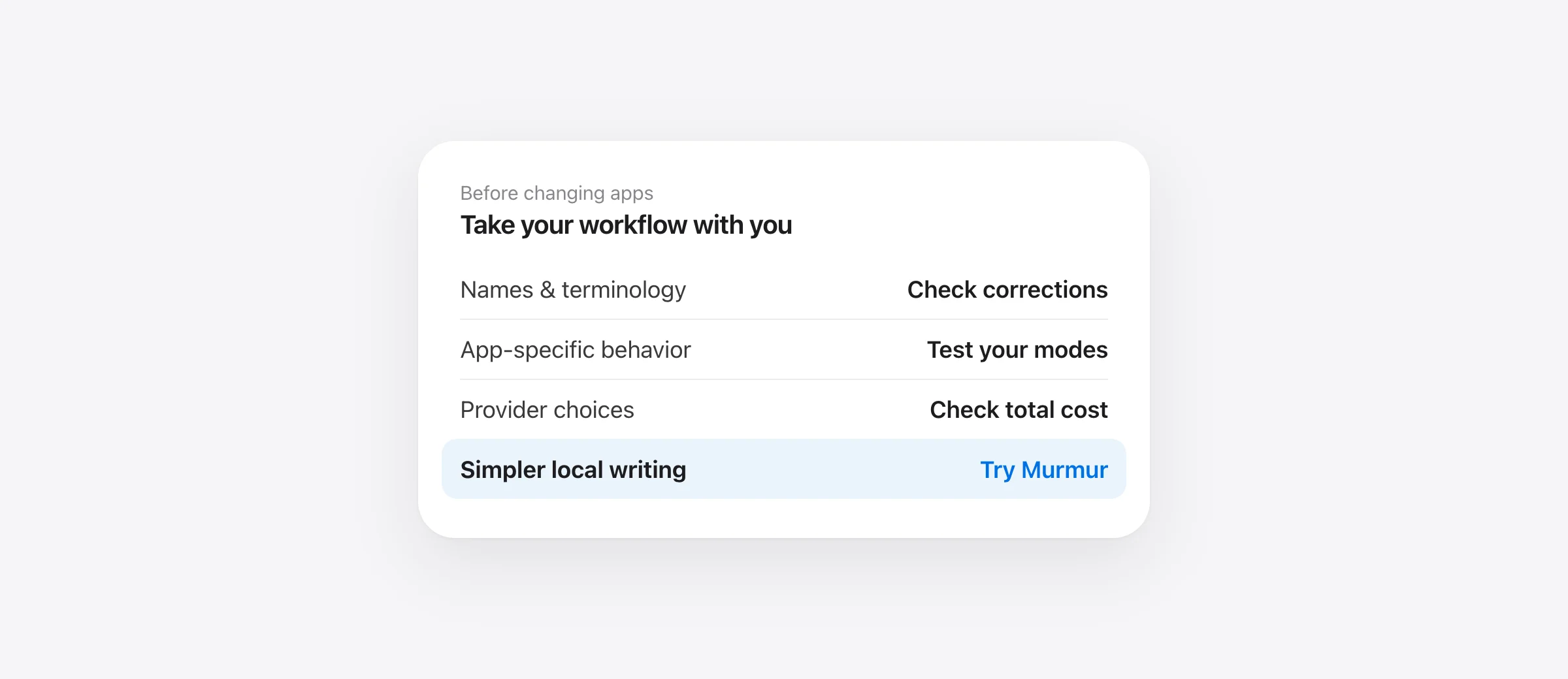
Match the alternative to your reason for switching
- Less setup: try Murmur for local writing on Apple silicon with macOS 26+.
- A permanent free route: evaluate Spokenly or Superwhisper's local mode.
- Bundled cloud and AI: evaluate Superwhisper Pro against your complete provider costs.
- Only occasional dictation: start with Apple Dictation.
Choose a VoiceInk alternative for a specific improvement: simpler operation, different billing, a needed destination or a writing behavior you cannot get reliably from your current setup. VoiceInk already offers local models, configurable modes and a one-time license. Another app is useful only if its complete workflow fits you better.
We make Murmur, one of the choices below. This guide uses official product documentation checked October 17, 2026. We have not measured an accuracy winner. The migration steps and sample passages are proposed evaluation tools, not reported test results.
Before you replace VoiceInk, identify what is failing
Write down one observable problem. “Email mode changes a qualification I need to retain” is actionable. “Too many settings” is also useful if configuration keeps interrupting your writing. A general wish for a better app is harder to test.
Then distinguish recognition, enhancement and insertion. If the raw transcript has the correct date but the final paragraph does not, changing the microphone is unlikely to address the cause. If the draft is correct in History but missing in the destination, evaluate delivery and permissions rather than comparing model accuracy.
VoiceInk's Modes documentation separates triggers, transcription, enhancement, context and output. Check which stage needs to improve. Sometimes a plain mode or a narrower prompt fixes the issue while preserving a setup you already understand.
Local cleanup is not automatically a reason to leave. Refine performs a fixed task on Apple silicon with at least 16 GB RAM. It does not accept custom prompts or context. If you need a more elaborate transformation locally, compare a compatible local enhancement configuration with the replacement's exact capabilities.
VoiceInk alternatives at a glance
| Alternative | Replacement goal | Cost or free route | Do not assume |
|---|---|---|---|
| Murmur | Focused local messages, notes and selected-text edits | $19 once for up to 3 Macs; 2,000 trial words | A provider catalog or file-transcription replacement |
| Spokenly | Free local dictation and BYOK | Free; Local+ $29 once; Pro $99.99/year | Provider usage is free with your own key |
| Superwhisper | Free Whisper or bundled Pro processing | Free; Pro $8.49/month, $84.99/year or $249.99 once | All AI workflows run locally |
| Apple Dictation | Basic text entry without another app | Included with macOS | Equivalent custom prompts or mode triggers |
US-dollar list prices checked October 17, 2026, excluding taxes and promotions. Sources: Murmur, Spokenly, and Superwhisper. VoiceInk itself lists $25, $39 and $49 once for one, two and three Macs. If you already own it, that purchase is a sunk cost; a cheaper new license is still another expense.
Murmur: when you want fewer configuration decisions
Murmur fits someone whose main task is speaking a message, note, email or prompt into the active Mac app. Hold right Command to dictate and release to insert text. Per-app styles adjust the writing treatment, while selected-text editing uses right Option. Speech and AI writing run on-device.
The distinction is scope. You are choosing a focused writing workflow instead of separately assembling transcription and enhancement providers. For a person who changes models often, that removes choices they value. For a person who just wants to answer an email, it can reduce setup work.
Try one recurring phrase as a snippet and one troublesome name in the dictionary. Murmur's dictionary corrects text after recognition; it does not retrain the underlying speech model. Check its effect in a complete sentence, especially where an ordinary word resembles a project name.
For example, a consultant might use a saved scheduling note in customer replies but dictate the rest from scratch. Exact saved text is easier to verify than a model recreating the same administrative details every time. Keep variable dates and amounts out of a snippet unless you intend to update them.
Murmur requires Apple silicon and macOS 26+. Apple Intelligence must be available and enabled for AI features. Its $19 purchase covers up to three Macs, and includes version 1 updates; a future major release may be a paid upgrade. Test the first 2,000 words without an account before buying.
Spokenly: when a free local or BYOK route matters
Spokenly documents unlimited free local Whisper and Parakeet dictation, BYOK and apps beyond Mac. That makes it a candidate if you want a permanent free route or also work on another operating system. Verify the same needed behavior on each device rather than assuming identical controls.
A BYOK setup is worth comparing if you already use a hosted speech provider and want to retain it. Record the exact provider, model and language before migrating. The same vendor name does not establish that two apps expose the same endpoint, vocabulary settings or streaming behavior.
Ask two separate questions: does the model produce usable text, and does the app deliver it where you need it? A provider switch and an app switch performed together make the cause of a changed result harder to identify. Preserve one variable when you can.
For a fuller comparison of free local, cloud and one-time options, see Spokenly alternatives for Mac. If your existing VoiceInk local setup works well, another free option is worth trying only if it solves a remaining problem.
Superwhisper: when a paid package removes provider work
Superwhisper's ongoing Free plan includes local Whisper, vocabulary, replacements and two modes without AI. Pro adds AI modes, cloud models and file transcription. One Pro license covers its supported platforms, with unlimited Mac and Windows computers.
A package can be useful if you would rather evaluate a finished mode than manage provider accounts. Compare it against your actual recurring usage, including any separately billed enhancement. A high-capability subscription is poor value if the free configuration already does the job.
Offline use still needs mode-level verification. Superwhisper's S1-mini handles English Message and Mail modes, not Custom, Note or Meeting modes. Included hosted language models and an on-device cleanup model serve different tasks.
Use our VoiceInk vs Superwhisper guide when those are your final two candidates. Build the same task in both before choosing around the number of settings or models.
Apple Dictation: when your replacement can be simpler
Apple's included Dictation may cover occasional writing without another installation. Enable it in System Settings → Keyboard → Dictation, select your language and test it in your regular app. Apple's documentation explains the settings text that identifies processing for general dictation.
Use an ordinary task: two sentences in a note, followed by a draft reply. If corrections take longer than typing, that result is useful. If basic text entry works well and you rarely use enhancement, a larger replacement may add little value.
Preserve your useful VoiceInk configuration
Before changing anything, create a backup. VoiceInk's Backup and Restore guide documents supported settings, prompts, modes and dictionary categories. It excludes credentials, history, recordings and downloaded models. Some custom provider and command settings also need separate recreation.
A backup is a way back to VoiceInk, not proof another app accepts its format. Make a short readable inventory beside it: shortcut, microphone, language, model, enhancement provider, prompt, context switches and destination. Copy only the parts you actually use into the new setup.
For vocabulary, keep a separate dictionary export. VoiceInk's JSON contains vocabulary and word replacements, not its pending Auto Learn review queue. Another app may distinguish recognition hints from replacements differently. Recreate five important terms first and inspect their behavior before transferring hundreds.
Prompts need translation too. VoiceInk's system template setting can wrap your instructions with shared cleanup behavior. Copying only your custom text into another app may omit those surrounding instructions. Start with the intended result in plain language, such as “preserve every date and qualification; remove repeated phrases.”
Do not carry API keys in a note or article scorecard. Reconnect a provider through the replacement's credential settings if needed. Keep your old setup available until the new workflow passes an ordinary working day.
Check every processing stage when offline use matters
VoiceInk's data documentation separates local and hosted transcription, enhancement and Auto Learn. Selected context can also enter enhancement requests. Check each enabled stage rather than inferring the whole workflow from a local speech model.
Auto Learn has its own review provider. It can use a local Ollama model or a cloud provider, independent of your transcription choice. If your goal is keeping processing local, that is a setting to inspect before deciding VoiceInk itself cannot meet the requirement.
For any replacement, download the required assets while connected, disconnect, and run your complete task into a local document. A successful offline run demonstrates functionality in that configuration. It does not establish what the app sends while connected or what a synced destination does with the inserted text. Our offline dictation guide covers the distinction.
Use a 15-minute test that preserves your configuration choices
Allow 15 minutes after setup. Use the same microphone and destination, and keep enhancement disabled for the first pass where possible. Then compare the polished output you would actually use.
- Three minutes: dictate the same paragraph in VoiceInk and the alternative. Inspect the raw names, numbers and negations.
- Three minutes: repeat with your chosen enhancement. Identify any meaning changed after recognition.
- Three minutes: test five vocabulary entries and a saved phrase in full sentences.
- Three minutes: switch between two destination apps. Confirm the shortcut and insertion point.
- Three minutes: correct both drafts and record time to usable text. Retest offline if required.
“The Cedarbridge review is tentative. Ask Kamran for the revised estimate, but do not approve the 480-dollar add-on. Keep the original deadline unless the client confirms the extension.”
This original sample deliberately contains a name, a project term, money and conditional instructions. It has no benchmark score. Your pass condition is preserving those details with tolerable editing, not producing the most formal paragraph.
Compatibility can end the comparison early. VoiceInk's installation guide says macOS 15+ and warns about local models on Intel, while its homepage lists Apple silicon/macOS 14.4+. Verify your current installer before paying or changing operating systems. A replacement has its own requirements, which may be stricter.
Keep VoiceInk if a mode adjustment solves your problem. Switch when the candidate improves the named task and preserves the features you depend on. If the reason is billing, the no-subscription dictation guide helps compare device coverage and future upgrade terms.
Frequently asked questions
What is the best VoiceInk alternative for Mac?
The right replacement depends on the work. Murmur is a focused option for local everyday writing on supported Macs. Spokenly offers free local dictation and BYOK. Superwhisper offers free local Whisper or a paid AI package. Apple Dictation covers basic text entry without another installation.
Is there a free alternative to VoiceInk?
Spokenly has unlimited free local dictation, Superwhisper has an ongoing free local Whisper plan, and Apple Dictation is included with macOS. Compare the features in the permanent free mode with the VoiceInk configuration you actually use.
Can I import my VoiceInk settings into another dictation app?
VoiceInk exports supported settings and dictionary data, but that does not establish compatibility with another app's import format. Preserve a backup, inventory your modes and providers, and recreate a small working setup before attempting a larger migration.
Does Murmur replace VoiceInk's provider choices?
No. Murmur focuses on local Mac speech and AI writing without a provider catalog. It costs $19 once for up to three Macs and needs Apple silicon and macOS 26+. AI features require Apple Intelligence. Try its 2,000 free words if your priority is simpler everyday writing.
Should I leave VoiceInk to get offline cleanup?
Not necessarily. VoiceInk Refine already provides fixed local cleanup on Apple silicon with at least 16 GB of memory. Custom prompts and context need a compatible alternative enhancement setup. Check whether a configuration change solves your problem before switching apps.
Sources
- VoiceInk: Mac pricing and device coverage
- VoiceInk: installation and trial
- VoiceInk: Backup and Restore
- VoiceInk: dictionary export and import
- VoiceInk: Modes
- VoiceInk: Prompt Management
- VoiceInk: Privacy and Data
- VoiceInk: Dictionary Auto Learn
- VoiceInk: Refine
- Spokenly: free local dictation and BYOK
- Spokenly: plans
- Superwhisper: Free and Pro
- Superwhisper: local enhancement
- Apple: Mac Dictation
- Murmur: privacy
- Murmur: license terms

Telman Gadimov builds Murmur, a dictation app for Mac that runs entirely on-device. We make Murmur, one of the alternatives discussed here. Official documentation and public pricing were checked October 17, 2026. We have not run a controlled comparison of recognition accuracy, latency or reliability.


