Which should you try first?
- Start with MacWhisper if reviewing recordings and producing transcript files dominate your work.
- Start with Superwhisper if you want to compare free local dictation with configurable paid AI modes.
- Check the MacWhisper edition: its direct download and App Store versions have different features and licensing.
- Test both on your hardest task. These starting recommendations are workflow judgments, not measured rankings.
MacWhisper vs Superwhisper is no longer usefully explained as “one transcribes files, the other types what you say.” MacWhisper documents system-wide dictation, and Superwhisper documents file transcription. A comparison that misses that overlap can send you toward a purchase you do not need.
The better questions are what happens after recognition, how you correct the result, where processing occurs, and what your complete configuration costs. We checked official documentation on October 13, 2026. We make Murmur, a narrower local dictation app, and explain its place only after comparing these two products.
MacWhisper vs Superwhisper at a glance
| Decision | MacWhisper | Superwhisper |
|---|---|---|
| Speak into another app | Dictation in the direct-download edition | Local dictation on Free; AI processing on Pro |
| Work through recordings | Transcript workspace, batch processing and exports | Pro file transcription through the active mode |
| Review speaker labels | Speaker naming, merging and reassignment controls | Speaker-separated segments and renaming workflow |
| Choose AI processing | Provider connections; local options documented | Included Pro models and custom instructions |
| Purchase | Direct-download Pro is a one-time license; App Store terms differ | Free plan; Pro monthly, annual or lifetime |
Sources: MacWhisper’s edition comparison, feature list and batch guide; Superwhisper’s plans and file guide. Details and limits below matter more than a yes/no feature box.
First, check which MacWhisper edition you are comparing
MacWhisper’s edition guide distinguishes the direct download from the Mac App Store app called Whisper Transcription. Dictation into other applications is a direct-download capability. The guide also says external license keys do not activate the App Store edition.
This matters before you compare either app with Superwhisper. A review, a screenshot and a checkout page can refer to different versions of the same product family. Record the installed edition alongside its version number in your trial notes.
If you already bought MacWhisper, verify that the installation matches your purchase before concluding a feature is missing. A different storefront is not just an alternative download button when the license and feature set differ.
For dictation, compare the text that reaches your cursor
MacWhisper’s dictation guide describes shortcut-based insertion and app-specific processing prompts. Its setup article is older than the current product page, so use it for the documented workflow rather than treating its historical provider examples as a complete current catalog.
Superwhisper’s custom modes let you define how AI transforms dictated text, with controls for supplied context. That is useful when you have a repeatable transformation, such as organizing an update into a short set of sections.
The practical comparison is an ordinary writing session. Try a reply in a chat app, a paragraph in a document, and a prompt containing a project-specific term. For each, record whether the shortcut starts reliably, whether the text lands in the intended field, and how much editing remains.
Include one sentence that should not be rewritten heavily. For example: “The migration is not approved; keep the old endpoint available until the review is complete.” A cleaner-sounding result is worse if it changes either constraint.
If recurring terms are the main source of edits, fix and retest the vocabulary before switching products. Our custom vocabulary guide for Mac explains how to distinguish recognition, replacement and cleanup errors.
For recorded audio, compare review and export work
MacWhisper’s batch workflow supports processing multiple files and selecting several export formats in the same job. Its current feature page also lists transcript exports, subtitle output and local AI connections.
Superwhisper’s file transcription is a Pro feature. Imported audio uses the active mode, including its recognition model and formatting. Before importing an interview, check that the active mode produces the kind of transcript you need.
That detail can change the result more than the import button. A mode intended to make chat messages concise may be inappropriate when you need the speaker’s full wording. Keep the faithful transcript separate from a summary or editorial rewrite.
Build the comparison around the final file you need to hand over. If the deliverable is a subtitle file, verify it in the receiving video tool. If it is a Word document, open the export and inspect paragraphs and speaker labels. A successful transcription does not prove a successful handoff.
For ten recordings, also consider organization: can you identify each source, find the relevant segment, correct it and export the right version without mixing files? Those are evaluation questions, not claimed limitations of either app. They matter because file handling repeats after the speech model has finished.
Speaker labels need a separate quality check
Correct words assigned to the wrong person can make a transcript misleading. Test speaker attribution separately from spelling, particularly when a recording includes short interruptions or similar voices.
MacWhisper documents controls to rename, merge and reassign speakers. Its older guide names a narrower set of compatible models than the current storefront, so verify the speaker-recognition indicator in your installed version instead of assuming an old model list is exhaustive.
Superwhisper’s speaker-separated workflow includes an Identify Speakers setting, segment review and speaker renaming. It also describes more advanced processing that requires additional configuration. Evaluate the simplest workflow that supplies the output you need.
Use a short recording whose speakers you can confidently identify. Check the transitions, not just the longest uninterrupted monologue. If the same person receives two labels, time how long it takes to correct them. If two people are merged, check whether the correction remains clear in the exported result.
Offline speech and offline AI are separate choices
For either app, trace the full job: audio recognition, speaker processing, text transformation and export destination. Choosing a local speech model does not establish that the remaining steps run locally.
MacWhisper’s feature list includes local AI through Ollama and LM Studio alongside hosted providers. Its Assistant documentation separately describes cloud transcription, which sends recordings to its servers. Check the mode and service you actually enabled.
Superwhisper documents S1-mini as local cleanup for English Message and Mail modes. It is not a local replacement for every custom AI task. Its hosted language-model options are a different processing path.
To check offline functionality, finish model downloads while connected, disconnect, and repeat your real task. Record whether recognition, cleanup and export all complete. Passing that test establishes the disconnected behavior you observed; it does not establish what an app sends when connected.
Finally, inspect the destination. Sending the final transcript to a cloud document, integration or shared folder is separate from how the audio was recognized. Our offline dictation comparison explains this distinction in more detail.
Price: compare the license and the services you enable
Superwhisper’s published Pro prices are $8.49 monthly, $84.99 annually or $249.99 lifetime. Its ongoing free plan provides local Whisper dictation without AI processing. Test whether the free route already covers your needs before treating Pro as compulsory.
MacWhisper’s direct-download Pro license is a one-time purchase. Use its current checkout for the amount in your currency and the applicable taxes. Search results surfaced different currency-converted amounts during research, so this comparison does not present a fluctuating conversion as a universal price.
For hosted AI, include the cost arrangement. Superwhisper’s language-model documentation says usage of its listed models is covered by the license. With an external provider account in either product, check that provider’s charges. MacWhisper’s optional Assistant subscription also has its own scope and is not simply another name for a direct-download Pro purchase.
Write the comparison as a small budget: app purchase or renewal, external services, and the time you spend configuring and correcting. Use the same period for both options. If you already own a lifetime license, compare the new purchase with the cost of continuing to use that license.
For a broader discussion of billing and upgrades, see Mac dictation software without a subscription.
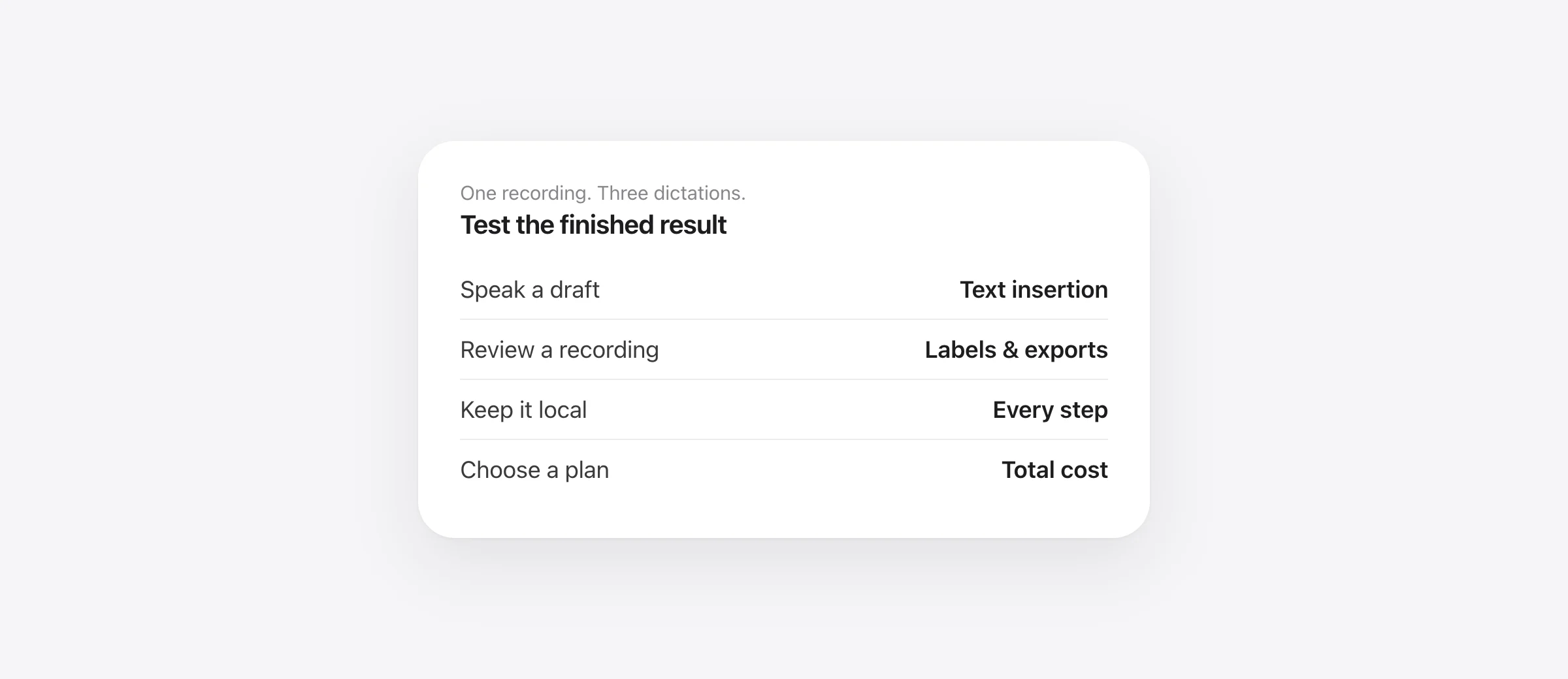
A repeatable trial: one recording and three live dictations
Allow about 20 minutes after installation and model downloads. Use the same audio file for transcription tests. For live dictation, use the same microphone, room and sample wording. Record the model and cleanup settings so you can interpret differences.
- Transcribe a two-minute recording. Choose material with two known speakers and an unfamiliar term.
- Correct and export it. Check one quote against playback, repair labels if needed, and open the exported file.
- Dictate three short messages. Include an ordinary reply, a technical name and a sentence with a constraint.
- Repeat the required local workflow offline. Skip this step only if disconnected use is irrelevant to your decision.
- Compare finished results. Count meaning errors and record time spent correcting and handing off the output.
| Measure | MacWhisper | Superwhisper |
|---|---|---|
| Names, numbers and constraints wrong | Record count | Record count |
| Speaker assignments needing repair | Record count | Record count |
| Correction and export time | Record minutes | Record minutes |
| Text insertion in three destinations | Record each result | Record each result |
| Complete offline task | Pass, fail or not required | Pass, fail or not required |
Download the comparison scorecard. It includes spaces for edition, model, processing settings and the actual cost you would pay. The scorecard is a proposed personal test, not evidence that either app won a benchmark.
Which app should you choose?
Start with MacWhisper when recordings are the center of your work. Its documented batch and review features give you a concrete workflow to evaluate. Confirm the export formats and edition you need before purchasing.
Start with Superwhisper when your first priority is daily dictation and configurable AI modes. Compare the permanent free route with Pro using the same tasks. Include file transcription in the trial if recordings are part of your week.
Neither starting recommendation means the other app cannot do the job. If one product handles both workloads well, keeping one setup can be more useful than buying separate tools for overlapping features.
Consider Murmur only if your job is narrower: speak new text into Mac apps with local speech and writing cleanup, dictionary entries and snippets. It is not an audio-file transcription workspace. It requires Apple silicon and macOS 26+, with Apple Intelligence for AI features; the regular license is $19 once for up to three Macs.
If Word is your main destination, follow the Word dictation setup guide before comparing apps. A document that cannot accept typed input is not a useful place to judge a speech tool.
Frequently asked questions
Is MacWhisper or Superwhisper better for dictation?
Both deserve a trial. MacWhisper’s direct-download edition includes dictation; Superwhisper offers free local speech and paid AI modes. Compare activation, insertion, vocabulary and corrections in the apps you use. This article does not establish an accuracy winner.
Does MacWhisper type into other Mac apps?
Its direct-download edition supports dictation into text fields. The vendor distinguishes that edition from the Mac App Store app, Whisper Transcription. Check the edition before buying for system-wide dictation.
Can Superwhisper transcribe audio files?
Yes. File transcription is a Pro feature and uses the active mode, including its model and AI processing settings. Verify the selected mode before importing a recording that needs a faithful transcript.
Which app is better for private offline transcription?
Evaluate the complete configuration rather than the product name. Check speech recognition, speaker processing, AI cleanup, exports and storage separately. A local speech model does not make an enabled hosted AI service local.
Should I buy both apps?
Only if each solves a separate, frequent problem. Trial your recording work and everyday dictation in the app you already own first. Buying two overlapping tools is useful only when the additional workflow benefit justifies the extra cost and setup.
Sources
- MacWhisper: current features
- MacWhisper: direct download versus App Store editions
- MacWhisper: dictation setup
- MacWhisper: batch transcription and exports
- MacWhisper: speaker review controls
- MacWhisper: Assistant and cloud processing
- MacWhisper: live purchase options
- Superwhisper: free and paid plans
- Superwhisper: file transcription
- Superwhisper: custom modes
- Superwhisper: speaker-separated meetings
- Superwhisper: local and hosted language models

Telman Gadimov builds Murmur, a dictation app for Mac that runs entirely on-device. We make Murmur. This comparison uses official product documentation checked October 13, 2026. Recommendations are editorial judgments about documented workflows. We have not run a controlled MacWhisper-versus-Superwhisper accuracy or speed benchmark.


